Featured Guides
Our newest guides, picked to help you get a muffled or quiet speaker sounding clear again as quickly and safely as possible.

How to Clean a Speaker Safely: Bookshelf, Bluetooth and Phone
How Do You Clean a Speaker Safely? To clean a speaker safely, switch it off and unplug it, dust the surface with a dry microfiber cloth and a soft brush, wipe stubborn marks with a barely…
Read the guide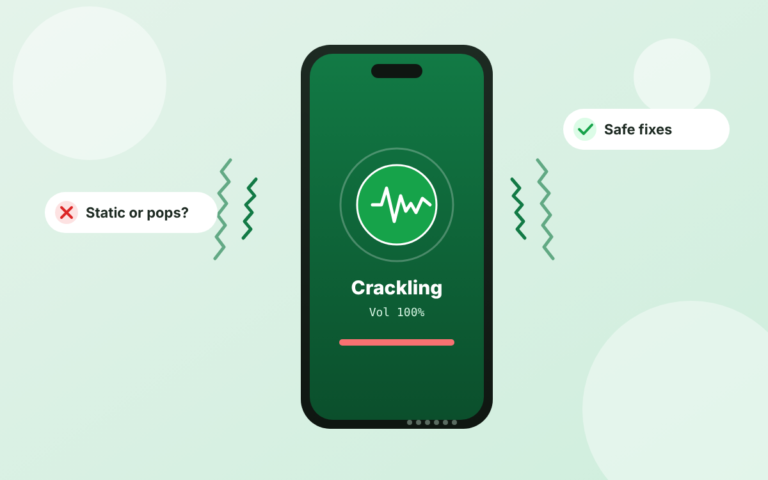
Phone Speaker Crackling: Causes, Fixes and When to Repair
Why Is My Phone Speaker Crackling and How Do You Fix It? A crackling phone speaker is most often caused by dust or grit…
Read more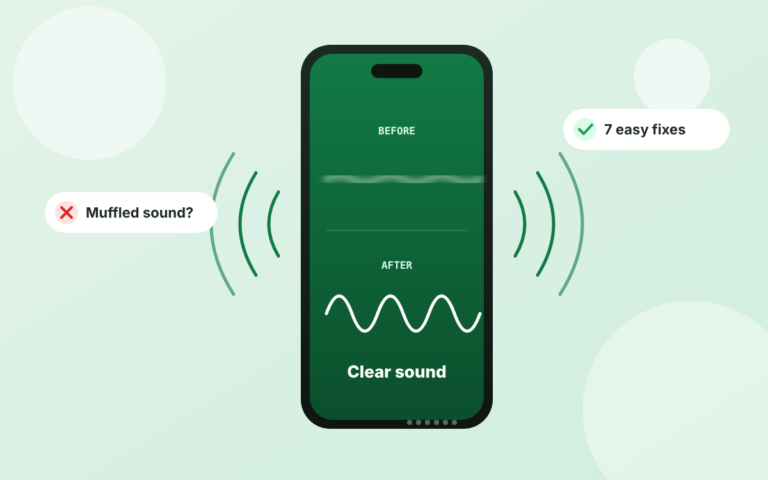
Why Does My Phone Speaker Sound Muffled?
A phone speaker sounds muffled when something blocks or redirects its output: dust or lint in the grille, trapped…
Read moreAll Articles
Browse every guide on speaker care, lint and dust cleaning, volume fixes and speaker testing. Filter by topic to find what you need.
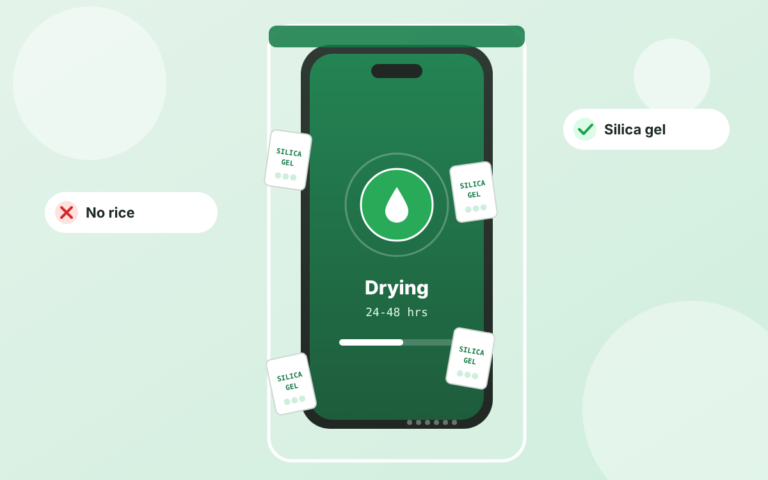
How to Fix a Water-Damaged Phone
To fix a water-damaged phone, power down immediately, dab the outside dry, and leave the handset for 24–48 hours with silica gel packets instead of the pantry…
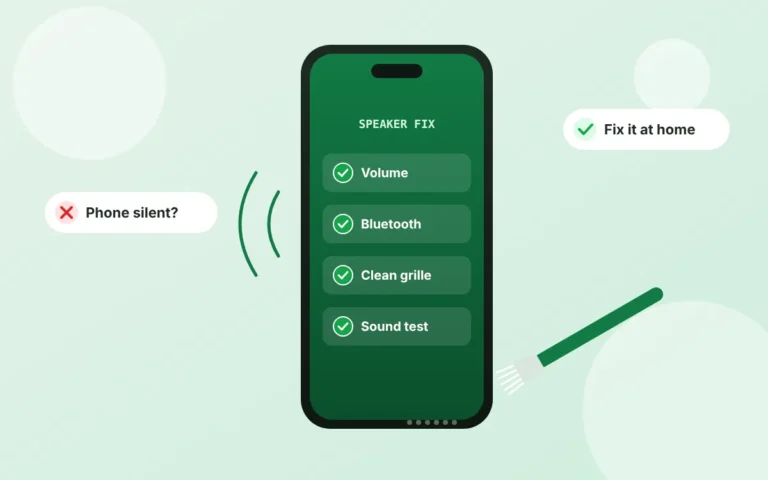
Phone Speaker Not Working? Fixes to Try Before You Pay Up
Why Is My Phone Speaker Not Working? A phone speaker usually stops working because a setting is muting it, another device is receiving the sound, or the…
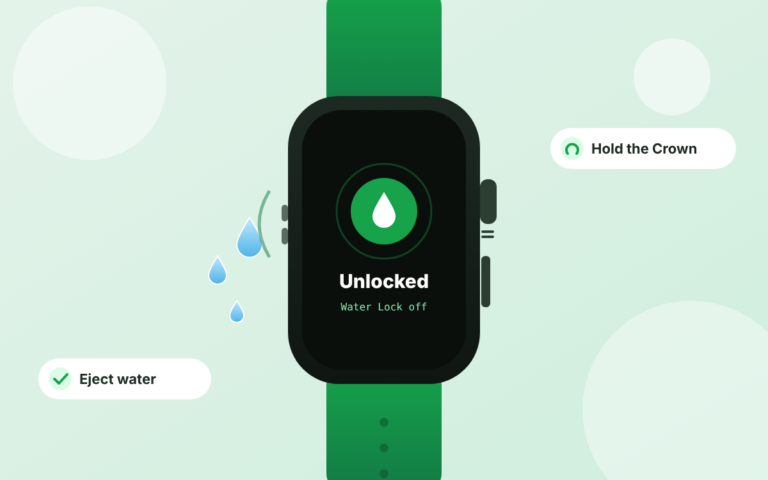
Apple Watch Water Eject: How to Use Water Lock (2026)
How Do You Use Apple Watch Water Eject? Apple Watch water eject takes two moves: turn on Water Lock from Control Center, then press and hold the Digital Crown…
Laptop Speakers Not Working? Fixes for Windows & Mac
Why Are My Laptop Speakers Not Working? Laptop speakers usually stop working because Windows is sending sound to the wrong default output device, an update…
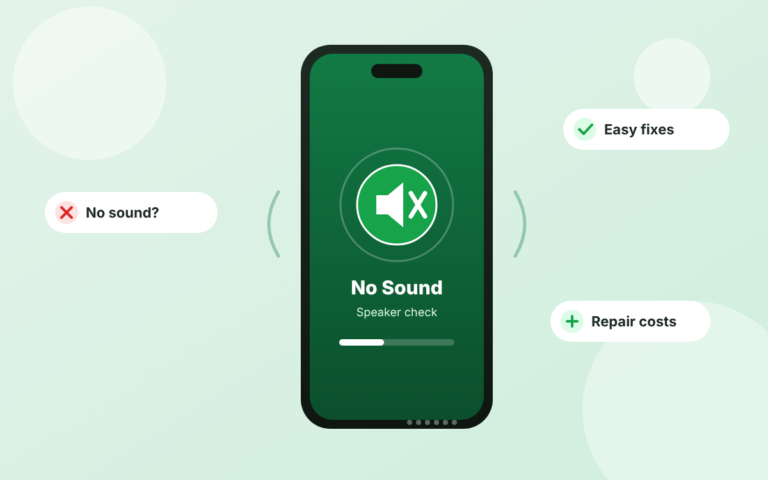
iPhone Speaker Not Working? Easy Fixes That Work (2026)
Why Is My iPhone Speaker Not Working? Common reasons an iPhone speaker goes quiet include a software malfunction, a sound setting such as Silent mode, a dirty…
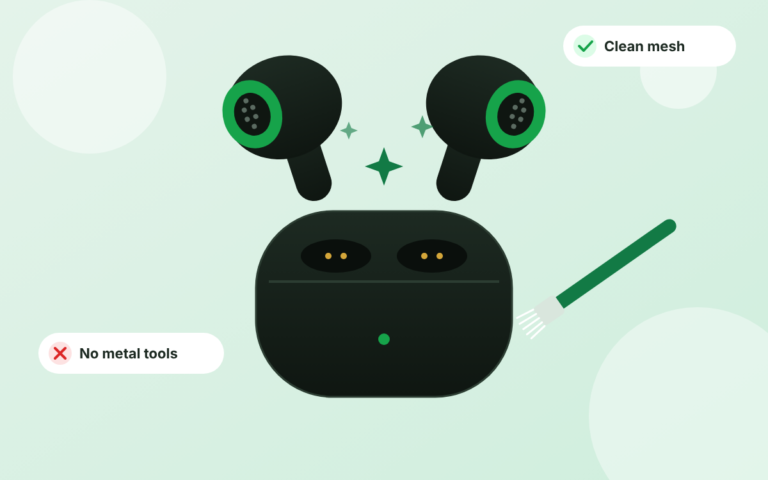
How to Clean Earbuds: Safe Steps for Mesh, Tips & Case
How to Clean Earbuds Remove the ear tips, brush the mesh with a dry soft brush, wipe the body with a barely damp cloth, clear the charging points with a dry…
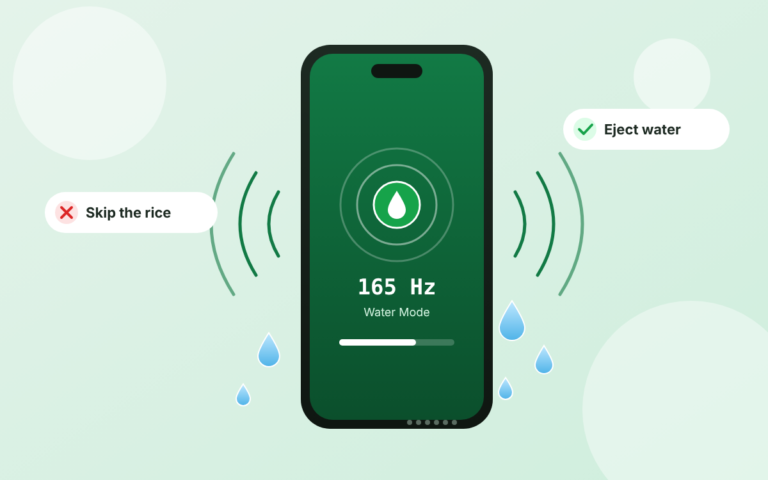
How to Get Water Out of a Phone Speaker
? To get water out of a phone speaker, hold the phone with the speaker side down, tap it gently so the water drains, wipe the outside dry, leave it where…
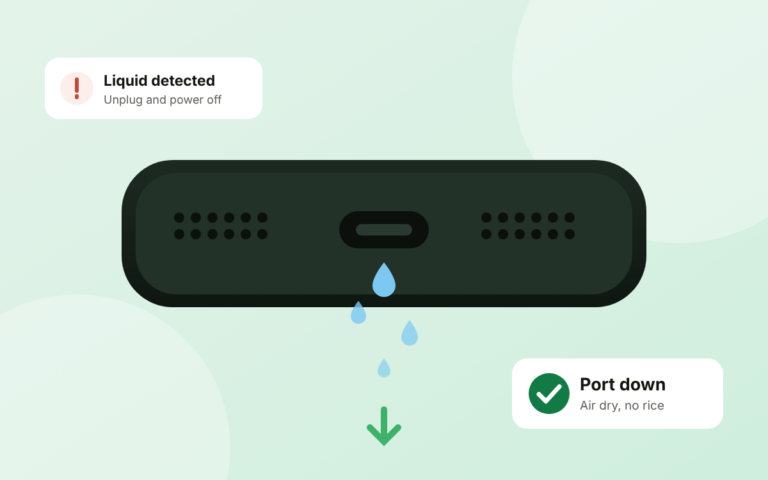
How to Get Water Out of a Charging Port: Safe Steps
How Do You Get Water Out of a Charging Port? Here is how to get water out of a charging port: unplug the charger, power down the phone, and leave it with the…
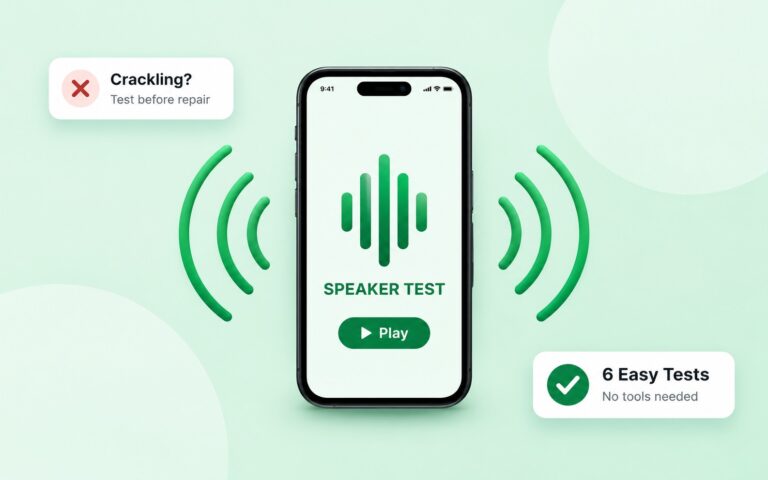
Best Speaker Cleaning Kits for iPhone: 5 Safe Picks (2026)
What Is the Best Speaker Cleaning Kit for iPhone? The best speaker cleaning kit for an iPhone is a compact multi-tool set that pairs U-shaped brushes and a…